Email Validation for n8n
Validate email addresses in your n8n workflows with CampaignKit's community node. AI workflow automation with powerful email verification.
Free to start. No credit card required.
Validate email addresses in your n8n workflows with CampaignKit's community node. AI workflow automation with powerful email verification.
CampaignKit integrates with n8n through a community node, bringing powerful email validation capabilities to your self-hosted or cloud-based n8n workflows. Built for developers and DevOps teams who need reliable email verification in their automation pipelines.
Validate email addresses from webhook submissions or API endpoints before storing them in your database. Filter out invalid emails instantly to maintain data quality.
Schedule workflows to periodically validate email lists stored in PostgreSQL, MySQL, or MongoDB. Update records with validation results and flag risky addresses.
Use webhook triggers to receive instant notifications when large validation jobs complete. Send alerts via Slack, email, or SMS with job statistics and results.
Build custom API workflows that validate emails before passing data to downstream services like CRMs, marketing automation platforms, or data warehouses.
Getting started with the CampaignKit n8n community node takes just a few minutes:
In your n8n instance, navigate to Settings > Community Nodes and click Install. Enter n8n-nodes-campaignkit as the npm package name and click Install.
For self-hosted n8n, you can also install manually via npm:
npm install n8n-nodes-campaignkitSign up for a CampaignKit account and navigate to Settings > API Keys to generate your API key.
In your n8n workflow, add a CampaignKit node and create new credentials. Enter your API key and optionally modify the base URL if using a custom instance. The credential will be automatically tested.
Choose an operation (Validate Email, Validate Batch, or Get Job Status) and configure the node parameters. Connect it to other nodes in your workflow to process results.
Add a CampaignKit Trigger node to your workflow to receive notifications when validation jobs complete. The webhook URL will be automatically registered with CampaignKit.
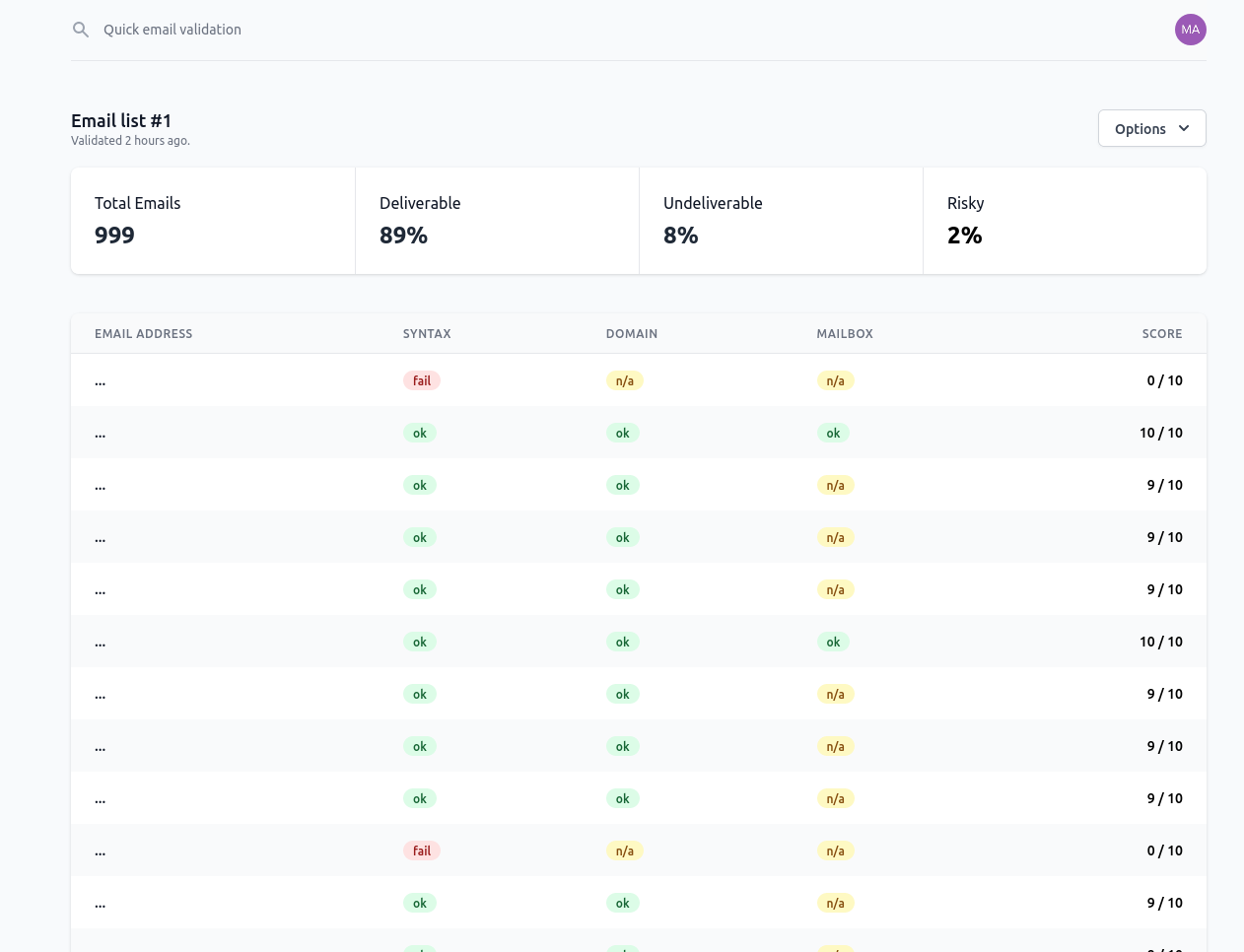
CampaignKit assigns each email a score from 0-10 to help you make decisions in your workflows:
Use fields like is_valid, is_risky, is_disposable, and is_role_email in your workflow logic to route emails appropriately.
CampaignKit uses API key authentication for n8n connections. All data is transmitted securely over HTTPS with TLS 1.2+. API keys can be regenerated or revoked instantly from your CampaignKit dashboard.
The CampaignKit n8n node is an open-source community project. You can view the source code, report issues, or contribute improvements on GitHub.
Repository: n8n-nodes-campaignkit
The n8n community node is free to install and use. You only pay for the email validations performed through your CampaignKit account. With self-hosted n8n instances, there are no per-task execution fees - you control your infrastructure costs.
CampaignKit offers pay-as-you-go pricing with volume discounts. Get 200 free email validations when you sign up.
Questions about setting up the n8n integration? We're here to help:
Install the CampaignKit community node today and start building powerful email validation workflows in your n8n instance.
Get Started with n8nStart validating emails in 60 seconds. No credit card, no commitment. Get 200 free validations to test our service.
Start Free Trial