Black Friday: 20% off every credit pack with code BF2026, through Cyber Monday, November 30. See pricing

seed listWhat Is an Email Seed List? (And How Seed Testing Works)
An email seed list is a set of test mailboxes at the major mailbox providers, such as Gmail, Outlook and Yahoo. You send your campaign to those addresses along with your real list, then check where it landed in each one: the inbox, the spam folder, or nowhere. That answers "inbox or spam?", which your ESP's delivery rate doesn't: a delivery rate measures whether the receiving server accepted the message, not where it was filed. Our deliverability monitoring stack guide explains that gap.
This guide covers how a seed test works, how to run one and read the result, what a seed list can't tell you, and what to fix when the result says spam.
The short answer:
- Build or rent seed addresses across the providers your subscribers use.
- Send the campaign to them with or just before your real send.
- Read the result per provider: inbox, spam or promotions, or missing.
- Treat it as a directional signal and compare trends over several tests, not one result.
- Find the cause and fix it: authentication, content or list quality.
- Test again and compare.
What is a seed list?
A seed list is a list of email addresses you control, or a testing service controls, at the mailbox providers your subscribers use. Its only job is to receive your campaigns so you can see how each provider treated them. Twilio (checked November 2026) describes it this way: send a campaign to the seed addresses, then check whether each copy reached the inbox, went to spam or wasn't delivered. Bird (checked November 2026) calls it a set of test addresses used to see where a message lands: inbox, promotions or spam.
That's the seed list meaning in email marketing. The term (sometimes written "seedlist") also turns up in gardening, games and crypto seed phrases, which have nothing to do with this post. Inside email tools there's a second, narrower marketing seed list: some platforms also use the name for internal test recipients who get a copy of each send for proofing.
A seed address is also not the same thing as a spam trap. Anti-spam organizations "seed" trap addresses across the web to catch senders who harvest or buy lists. That's a different use of the word, covered in our guide to spam traps and how to stay off blocklists.
How a seed test works
A seed test, often called an inbox placement test, works like this:
- You send the message to the seed addresses, with or just before your real send.
- The message goes out through your normal sending setup.
- The testing service checks each seed mailbox after delivery.
- It reports, per provider, where the message landed: inbox, spam, a tab such as Promotions, or missing.
Twilio and Iterable (both checked November 2026) describe the core of it: send to seed addresses, then check where each copy landed, whether inbox, spam or missing. Validity (checked November 2026) adds that checking the header data and authentication results of the seed copies shows what to improve.
You can run seed tests with your own seed accounts or with seeds a vendor manages. The difference matters: Iterable says platform seeds are meant to stay unengaged, while owned seed addresses that you open and read build an engagement history, which can change where your mail lands for them.
CampaignKit doesn't run seed tests. Seed testing comes from separate deliverability tools; our roundup of email deliverability tools covers placement testing alongside warm-up and monitoring.
Run a seed test
Step 1: Choose providers that mirror your subscribers
A seed test only reports on the providers it includes. Validity advises matching the seed list's provider mix to your subscriber base. If most of your list is on Gmail and Outlook, those providers should be well covered in your seeds.
Step 2: Keep seeds out of your reports and segments
Seeds aren't real subscribers. Validity recommends excluding them from open and click metrics, so they don't skew your engagement numbers. Keep them out of your real segments too, so they don't end up in other campaigns or exports by mistake.
Step 3: Send the same message the same way
You can add the seeds to the real send, or send a test of the campaign to the seeds just before it goes out. Either way, use the same message, sending domain, IP and ESP account as the campaign. A separate test message sent from a different setup tests something else.
Step 4: Read the result
Each seed mailbox gives you one of these outcomes:
- Inbox: the provider filed the message in the main inbox.
- Spam: the provider filed it as junk.
- Promotions or another tab: at Gmail, this is a tab sorting decision, not a block. See the Gmail Promotions tab explained.
- Missing: the copy didn't arrive. That can mean, for example, that the message was blocked or not measured. As Bird puts it, "a missing measurement is not a zero", so check before you conclude the mail was blocked.
Read the result per provider. Spam at one provider and spam everywhere point to different causes (see the table below).
Step 5: Repeat on a schedule and compare
One test is a snapshot. Iterable suggests testing about every one to two weeks. Our monitoring stack guide suggests weekly or bi-weekly during stable periods, before every major campaign while you recover from a problem, and after any change to your sending setup, authentication records or templates.
An edge case: warm-up and small lists
Seeds never open or click. Bird says providers treat them as inactive and advises against sending to seeds during IP warm-up. Twilio adds that seeds that never engage can send a negative signal to providers, especially on small lists. If you're warming up a new domain or IP, or your list is small, keep seed sends few. For the full ramp, see our email warm-up guide.
What a seed list can't tell you
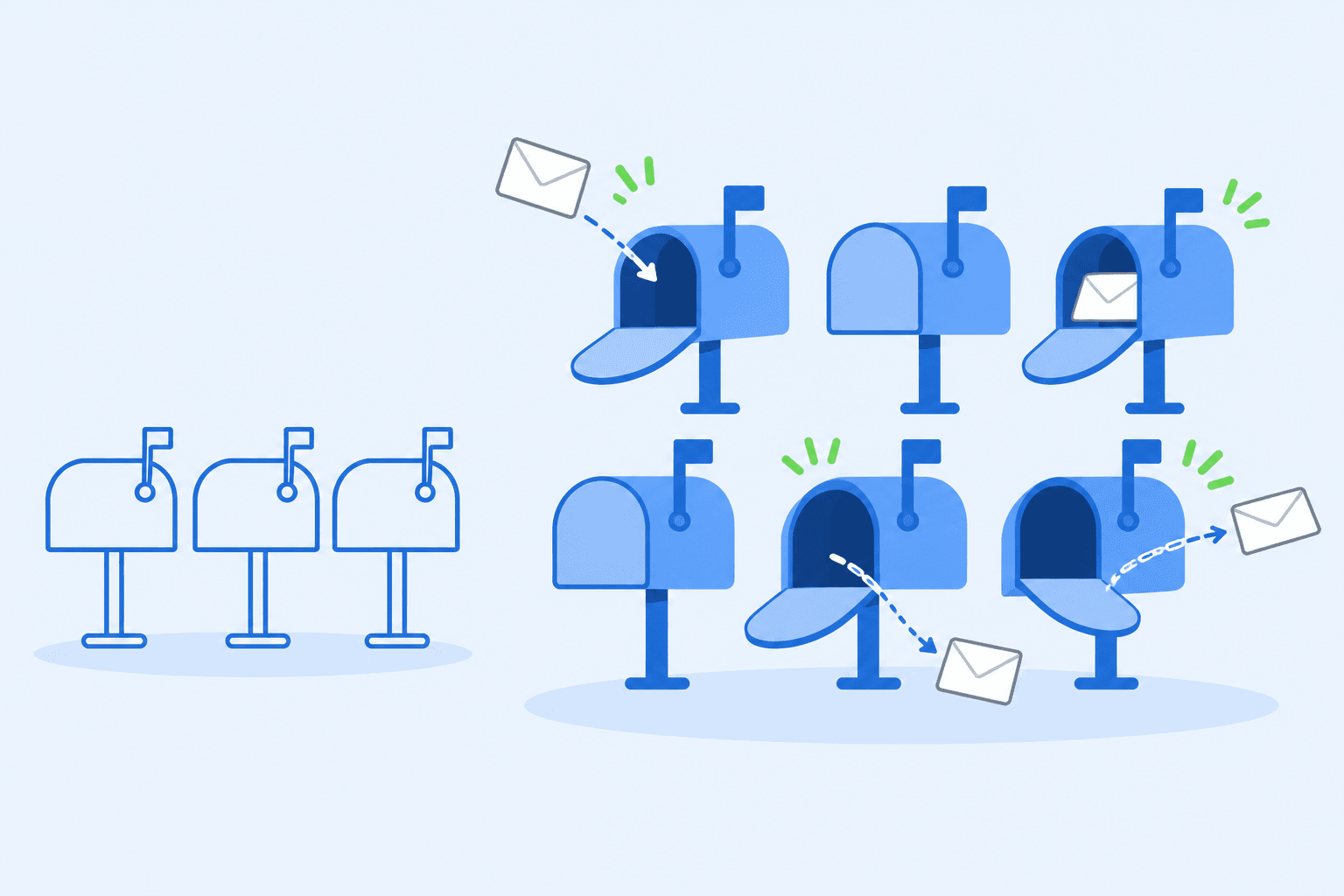
A seed test shows where a copy landed in a test mailbox. It doesn't show what each of your subscribers sees.
- No engagement history. Seed accounts have never opened or clicked your mail (Twilio). Real subscribers who read your emails can see different placement from the seeds.
- A snapshot in time. A result describes one send at one moment (Iterable). The next send can differ.
- False positives and negatives. Twilio warns that seed results can be wrong in both directions and calls seed testing "not a crystal ball". Treat it as an early warning and a way to watch trends.
- Only the providers you included. A provider missing from your seeds is missing from your result.
- Mixed results. Iterable says mixed inbox and spam delivery suggests the mailbox provider has doubts about the sender, and points to reviewing list engagement and segmentation. Compare a split result with later tests before you act on it.
There's also no reliable "good" inbox placement rate. Published thresholds differ between sources and don't say how they were set, so we don't give one here. Watch the trend per provider, and treat a sudden drop as the signal.
Seed test says spam: what to fix
A seed test shows where your mail landed, not why. Use the pattern in the result to choose where to look first:
| What the seed test shows | Likely cause | Where to look |
|---|---|---|
| Spam at one provider only | Your reputation at that provider | That provider's dashboard, see the monitoring stack guide |
| Spam at every provider right after a template change | Content | Run a filter test and read the rules in a SpamAssassin score report |
| Missing at every provider | Authentication failure or a blocklist listing (or a measurement gap) | Check SPF, DKIM and DMARC with the free domain health check, then your blocklist status |
| Spam rising after a big import, or when mailing an old list | List quality: addresses that no longer exist bounce, and bounces harm your reputation; old lists can also hold recycled spam traps | Your bounce logs (SMTP bounce codes explained), then clean the list |
| Promotions tab only | Gmail tab sorting, not a block | The Gmail Promotions tab explained |
Most spam results have more than one possible cause. List quality is one of them, not the only one: cleaning a list doesn't fix a broken DKIM record or a spammy template, and those need their own fixes.
Check it works
After a fix, run the same seed test again, with the same seeds and the same sending setup, and compare the provider rows with the earlier result. One better result is a good sign, not proof; look for the change to hold over the next few tests.
Don't watch only the seeds. Your real numbers show what subscribers experience: bounces, complaints, and opens and clicks per provider. If seed results improve but real bounces stay high, the problem isn't solved.
Troubleshooting
Seed results look fine, but opens are low
Seeds are neutral: they don't open, click or complain. Fine seed results with low real engagement point to your subscribers' engagement, not filtering at the provider. Look at who you're sending to, how often, and what you send.
Seed results are bad and bounces are high
Start with the list. Addresses that no longer exist bounce, and bounces harm your sender reputation. Remove them before you change anything else, then test again. Our guide on how to reduce bounce rates covers the other causes.
Results differ between runs
That's expected: each test is a snapshot. Compare several tests per provider and act on a trend, not on one run.
Seeds are skewing your metrics
Exclude the seed addresses from open and click reports and from your segments (Step 2). If your ESP can't filter them out, keep them in a separate list that you add only to the sends you test.
Short answers
Is a seed list the same as an inbox placement test? Not quite. The seed list is the set of test addresses; the inbox placement test is the send to those addresses and the per-provider report you read afterwards.
How often should I run a seed test? Iterable suggests about every one to two weeks. Our monitoring stack guide suggests weekly or bi-weekly when things are stable, before every major campaign while you recover, and after any change to your sending setup.
Does CampaignKit run seed tests? No. CampaignKit verifies and cleans email addresses; it doesn't test or monitor inbox placement. For seed testing, use a dedicated deliverability tool, see our email deliverability tools roundup.
Next step: clean your email list
A seed test tells you where mail lands. Cleaning the list removes one cause of poor placement: addresses that bounce.
Clean your email list: upload a CSV or Excel file, and CampaignKit sorts every address into Deliverable, Undeliverable or Risky, so you can remove the ones that will bounce before your next send. Deliverable is not a delivery guarantee. New accounts get 200 free validations, then packs start at $6 for 2,500 emails, and credits never expire (see pricing). To check addresses by paste, upload or API, see the bulk email verifier.
More on deliverability
- 5 Ways to Damage Your Domain ReputationA damaged domain reputation is hard to fix. You want to avoid this at all costs. What do you need to do to damage your sender reputation?
- SMTP Ports Explained: 25, 465, 587 and 2525 (Plus IMAP and POP3)Which SMTP port should you use? 587 for sending, 465 for implicit TLS, 25 for server relay, 2525 as a fallback. Plus IMAP and POP3 ports.
- 8 Actionable Steps to Improve Email DeliverabilityEight steps to improve email deliverability: authentication, list hygiene, opt-in, unsubscribes, warm-up, plus Gmail, Yahoo and Outlook rules.
- Gmail Blocklist: Why Gmail Blocks a Domain and How to RecoverGmail has no public blocklist, but it can reject, throttle or spam-folder your mail. Read the error codes, check Postmaster Tools and recover.
Join 1,000+ CompaniesImproving Email Deliverability
Start with 200 free validations. Upgrade only when you're ready.
No credit card required • Cancel anytime